
Turning a recording into clean, readable text should be simple — but not every Audio to Text tool handles background noise, multiple speakers, or academic jargon the same way. The table below compares the five converters we tested across the dimensions that matter most in daily use.
| Tool | Best For | Accuracy | Pricing | Free Tier | Language Support | Speaker ID | Export Formats | Standout Feature |
|---|---|---|---|---|---|---|---|---|
| Dechecker | Students, lectures, academic workflows | ~92% | Free | Yes | 90+ | Yes | DOCX, PDF, TXT, SRT, VTT | AI summaries + academic-friendly formatting |
| TurboScribe | Bulk uploads, quick turnaround | ~88% | Free / $10/month | Generous | 50+ | No | TXT, SRT, VTT | Fast batch processing |
| Otter.ai | Live meetings, team collaboration | ~86% | Free / $16.99/month | 300 min/month | English-dominant | Yes | TXT, PDF, DOCX | Real-time meeting summaries |
| Descript | Podcast and video editing workflows | ~87% | Free / $12/month | 1 hour/month | 20+ | Yes | DOCX, SRT, VTT | Transcription inside a full editor |
| Rev AI | Professional human-verified accuracy | ~95% | $0.02–0.05/min | No | 30+ | Yes | SRT, VTT, TXT, JSON | Human + AI hybrid review |
Dechecker works for academic and multilingual audio work without costing a dime, but Rev AI has that top-tier accuracy if you can pay by the minute. Otter.ai and Descript are solid for specific workflows, honestly. Then there is TurboScribe, which is actually pretty great if you need that huge free tier for bulk Audio to Text tasks.
Every tool on this list went through the same test loop. We recorded or selected real-world audio samples, ran them through each converter, and compared the transcripts against human-verified reference texts. No tool was given preferential treatment.
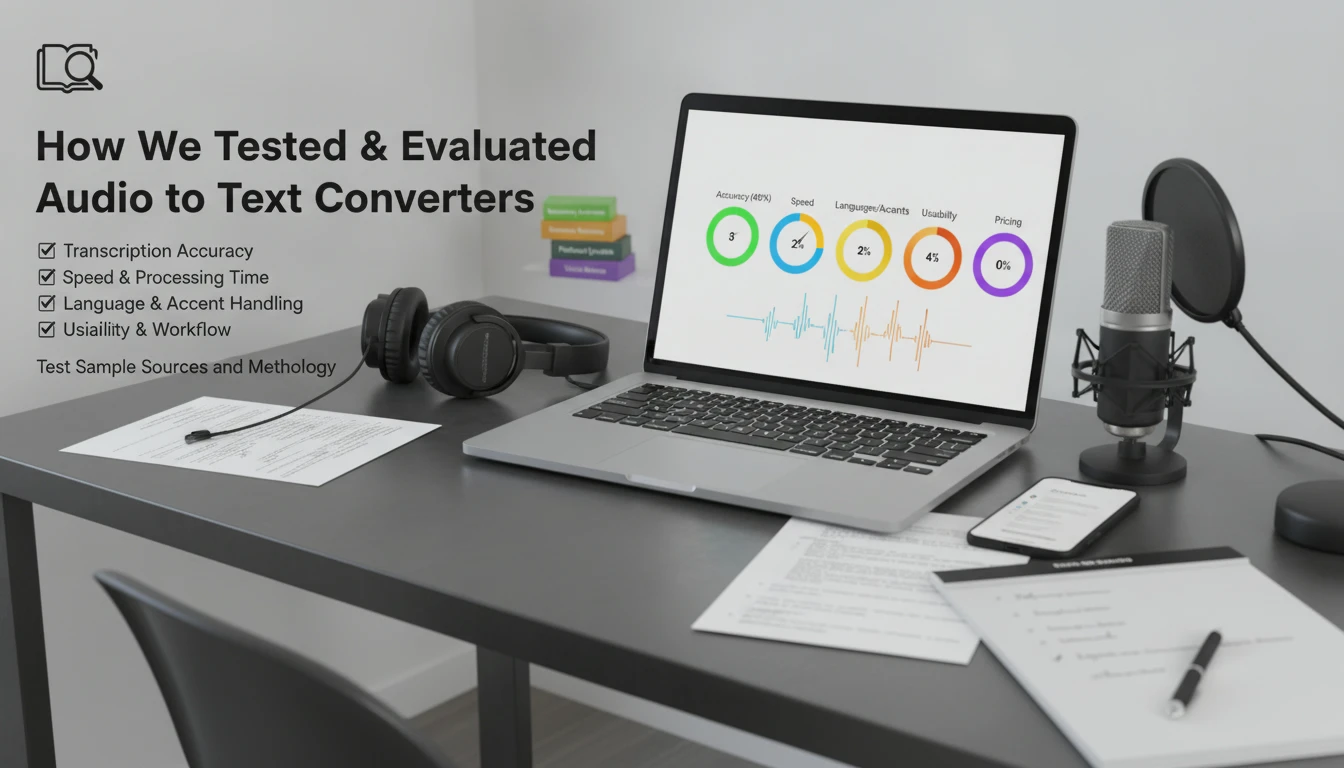
We rated each Audio to Text converter on five factors:
We built a test set of 12 audio samples totaling roughly 180 minutes: two university lectures, three business meetings with four to six speakers, two podcast episodes, three one-on-one interviews, and two outdoor voice memos. Each sample had a human-verified reference transcript. We ran every file through all five tools under default settings and calculated word-level accuracy. Speaker labels were checked manually, and processing times recorded from upload to completed transcript.
Each tool below gets one focused review covering what it does, who it is for, how it works from a user perspective, what features stand out, how accurate it is, what it costs, and where it shines versus where it falls short.
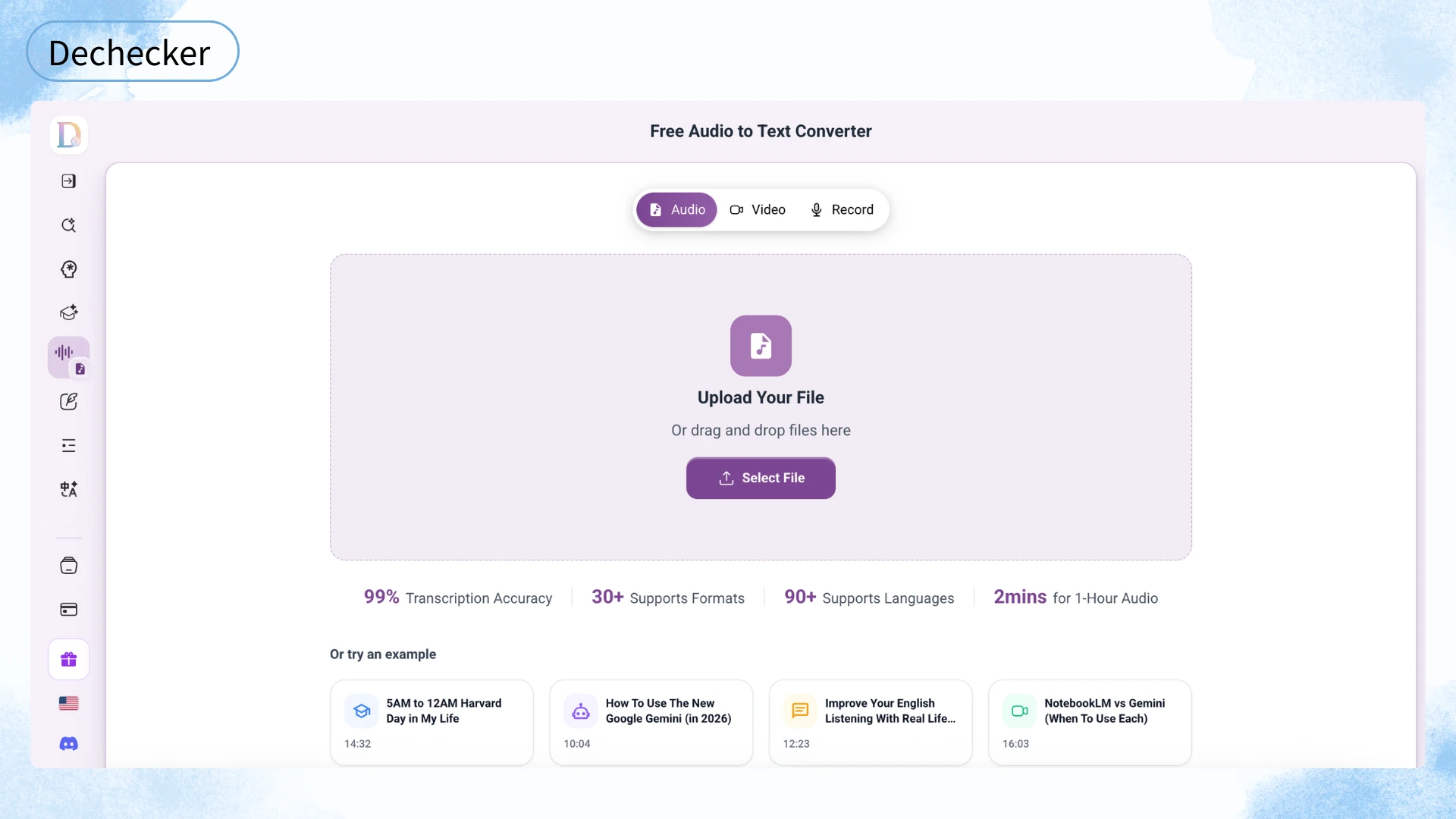
Dechecker is an all-in-one transcription tool built with students, educators, and content teams in mind. Its Audio to Text feature supports over 30 input formats and more than 90 languages — one of the most broadly compatible options in this group. For anyone looking for a free audio to text transcription, the broad format support removes most compatibility headaches before they start. You upload a file or paste a URL, and the tool processes speech into text, identifies the speakers, and can generate a summary. It works directly in your browser, which is actually pretty handy because you do not have to install anything.
In our tests, Dechecker hit about 92 percent accuracy on clear lecture recordings. That number drops to roughly 85 percent when there is background noise or people talking over each other. It labeled speakers correctly about 85 percent of the time. Honestly, it is solid enough that you are not constantly stuck doing manual corrections. The tool is free, too. There is no subscription required to use the core conversion, speaker labeling, or the AI summaries. We transcribed files up to 30 minutes without seeing a single payment prompt or being asked for a credit card.
Pros: The system handles over 90 languages and 30+ file formats, which is a wide range compared to similar tools. You get built-in editing, privacy-first processing, and multiple export options like SRT and VTT. On the downside, there is no live mode for transcription. If someone has a strong accent, the accuracy is just average.
Dechecker fits best for students or researchers who want a transcript plus a quick summary without jumping between different apps.
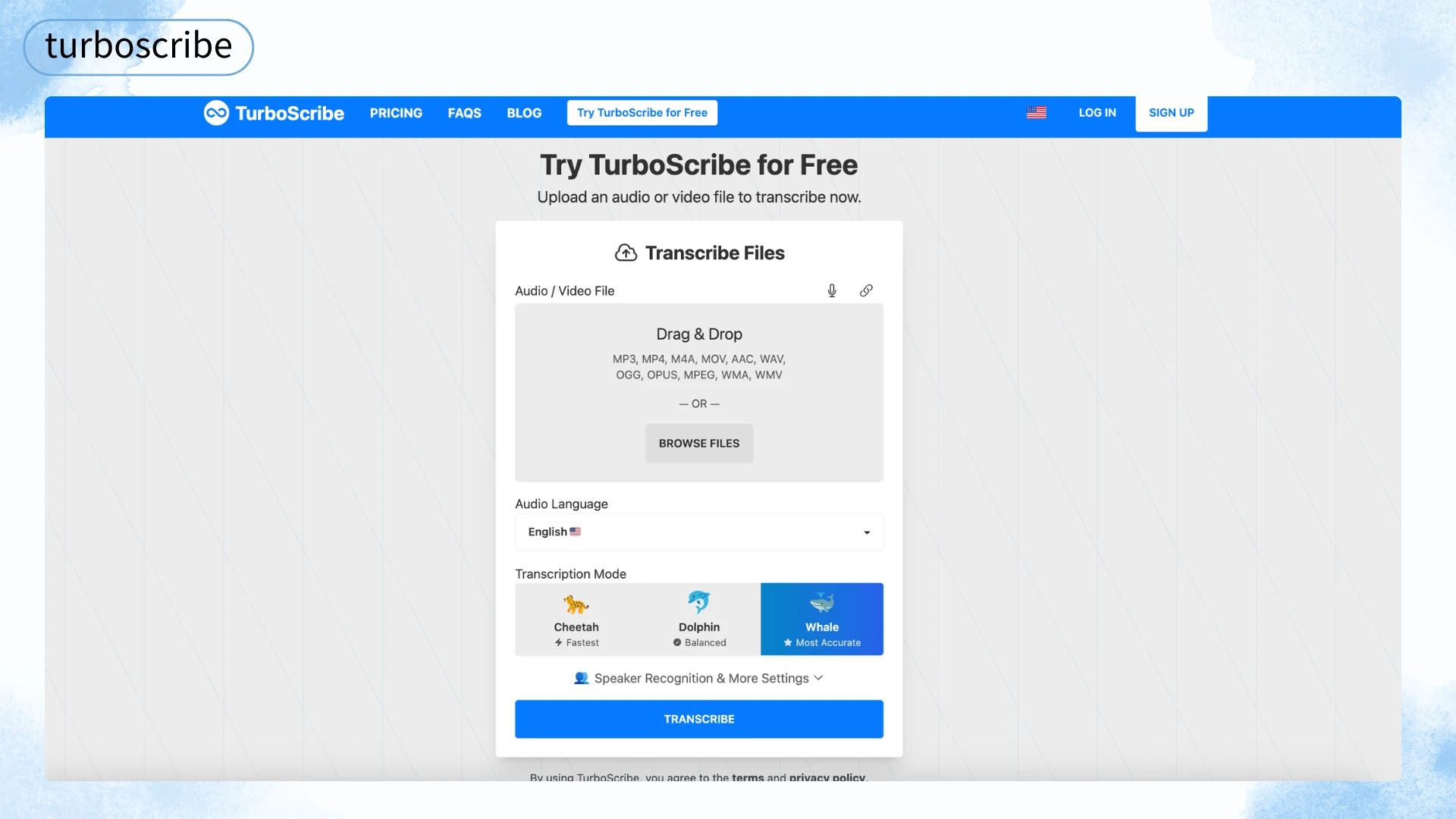
TurboScribe is built for speed and volume. To use it, upload one or multiple files, hit transcribe, and receive timestamped transcripts in TXT, SRT, or VTT format. The interface is barebones — upload, wait, download — which makes it fast to learn. Accuracy came in around 88% on clean audio and dropped to roughly 78% on noisy calls. Speaker identification is unavailable, so multi-person recordings land as one text block without labels. This is the biggest gap between TurboScribe and the other Audio to Text tools here.
On the bright side, the free tier lets you transcribe several hours of audio per day. The paid plan starts at $10 per month. Processing speed is a real strength — our 90-minute lecture converted in under 4 minutes, faster than any other converter tested.
Pros: Fastest processing speed; most generous free tier by daily volume; supports 50+ languages. Cons: No speaker identification; no AI summaries or editing tools; export limited to TXT, SRT, VTT; accuracy drops on noisy audio.
TurboScribe is best for users who transcribe large volumes of single-speaker audio regularly and care more about speed and volume than polish.
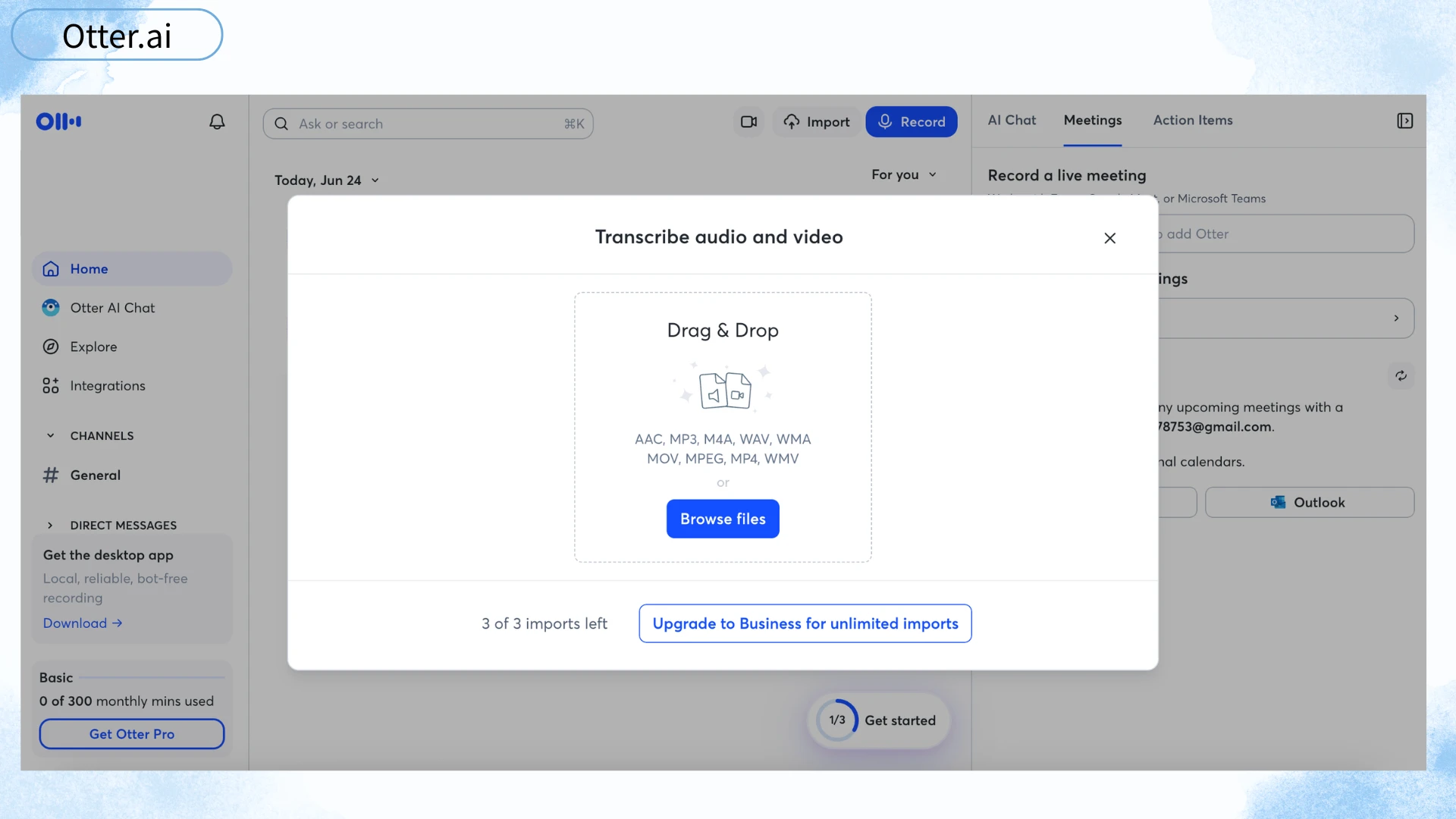
Otter.ai is built around meetings. It transcribes live conversations in real time, tags speakers, and generates summaries with action items. To use it, connect Otter to your calendar or start a live recording in the app. Team members can view and annotate a running transcript as it appears. Pre-recorded file uploads work, though the experience is clearly optimized for live use.
Accuracy was around 86% on clean meeting audio, dipping to about 79% with overlapping speakers or strong accents. Otter performs best on English conversations and noticeably weaker on non-English content — its language support is limited compared to a broader Audio to Text tool like Dechecker. The free tier gives 300 minutes per month. The Pro plan costs $16.99 per month with TXT, PDF, and DOCX export.
Pros: Best live transcription and real-time collaboration in this group; calendar integration; automatic action items. Cons: English-dominant with limited language coverage; accuracy on accented speech is below average; free tier runs out fast for heavy users; no SRT or VTT export.
Otter.ai is best for professionals and teams who spend hours in meetings weekly and want live conversation capture rather than post-event file processing.
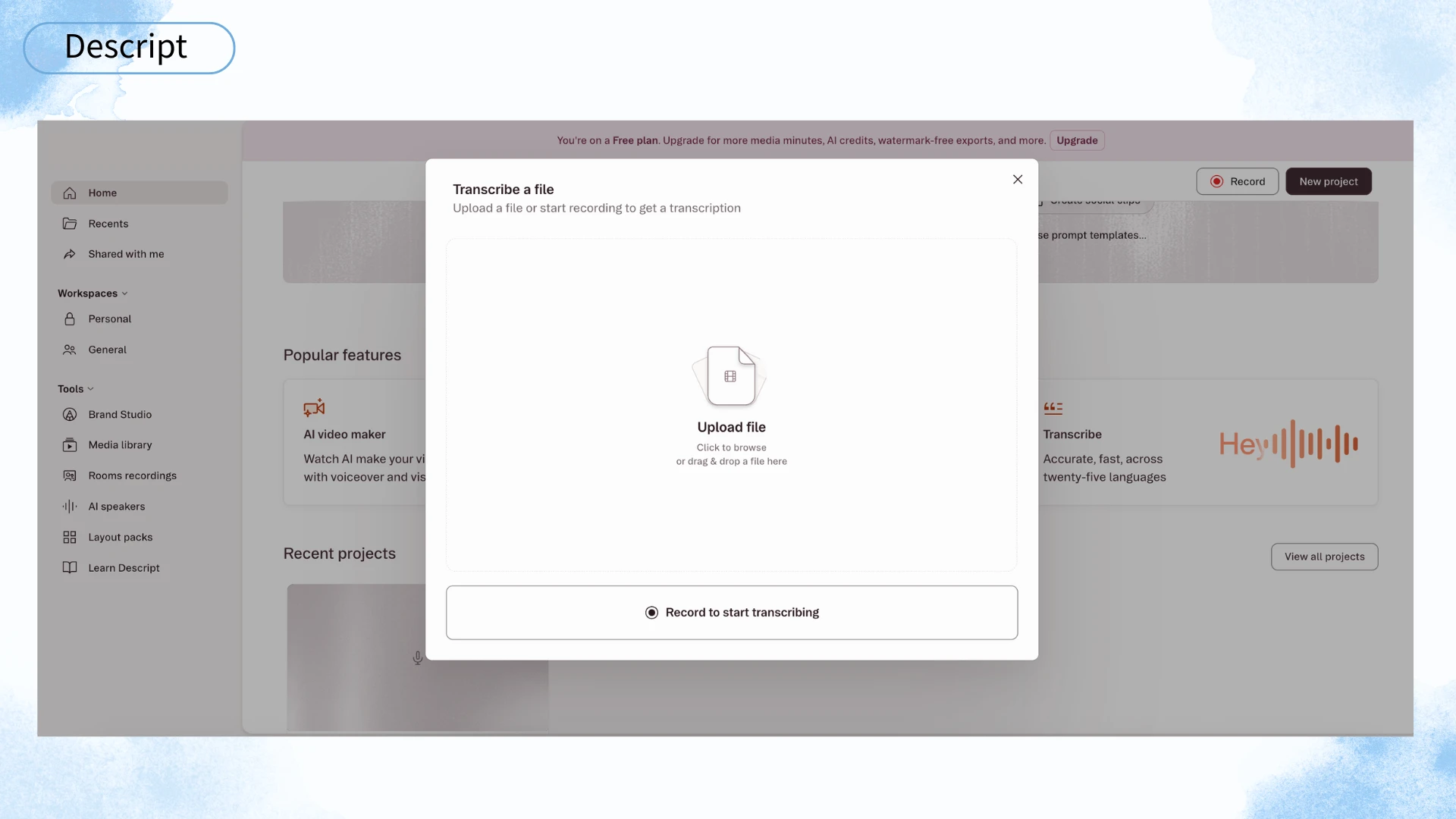
Descript is a media editor that includes transcription. Its core workflow is unique: import an audio or video file, get a transcript, then edit the media by editing the text — delete a sentence in the transcript, and the corresponding audio or video segment is removed. This text-based editing approach is powerful for content production, not just documentation.
Accuracy was around 87% on clean audio and roughly 80% on noisier recordings. Speaker detection works well, correctly labeling voices about 88% of the time. Language support covers 20+ languages. The free tier includes just 1 hour of transcription per month — the lowest in this group. The Creator plan costs $12 per month. Export formats include DOCX, SRT, and VTT.
Pros: Unique text-based editing workflow; solid speaker identification; built-in recording and editing tools. Cons: 1-hour monthly free limit is very restrictive; steeper learning curve; overkill if you only need an Audio to Text converter without editing features.
Descript is best for podcasters, video creators, and editors who want transcription as part of a broader content production workflow.
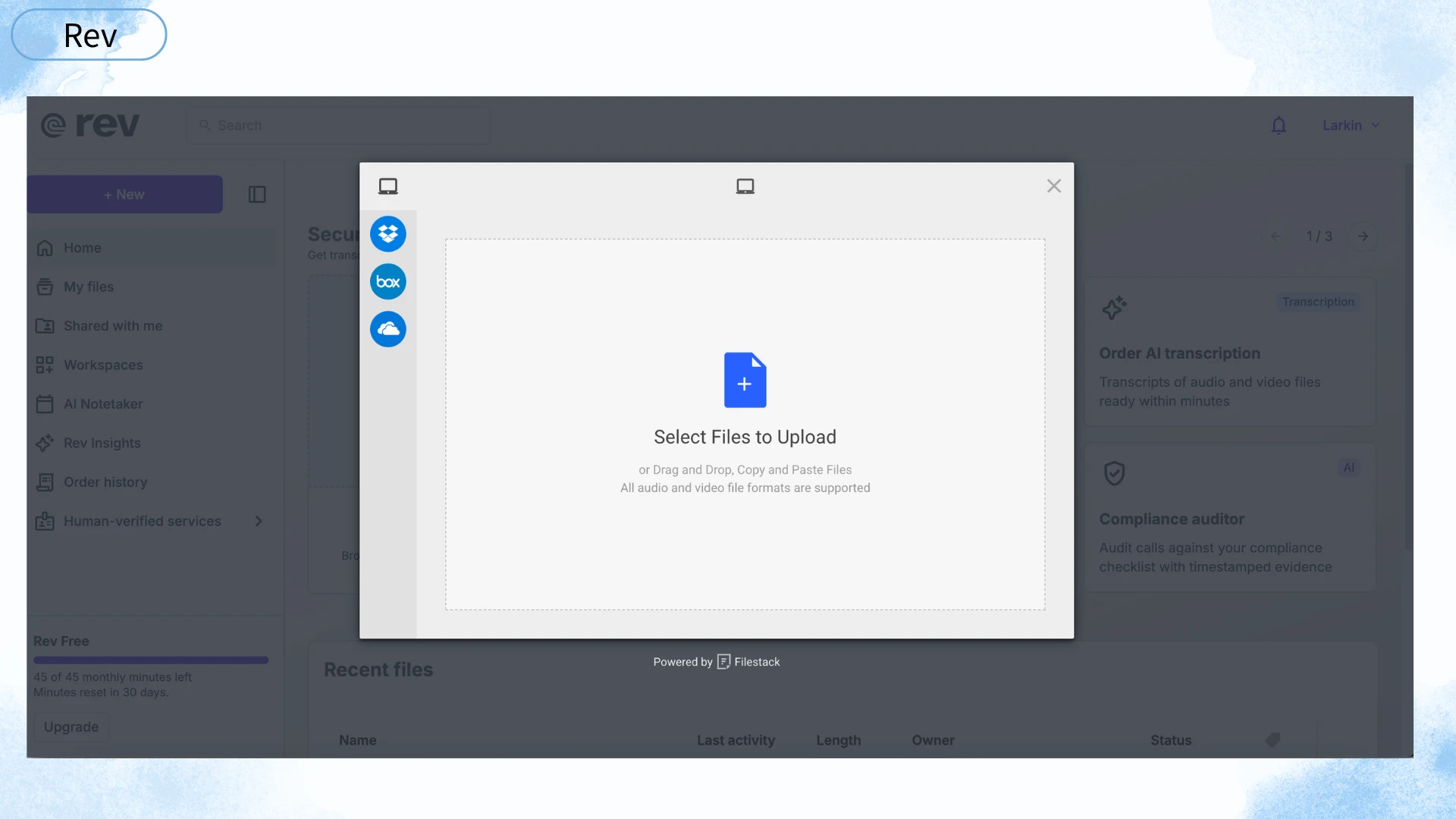
Rev AI offers the highest accuracy in this group — but you pay for it. Unlike the other tools, Rev combines AI transcription with an optional human review layer. You upload a file, AI generates a first-pass transcript, and a human reviewer checks and corrects the output for an additional fee. The hybrid human-AI workflow is Rev's real advantage.
In our tests, Rev AI achieved approximately 95% accuracy on clean audio and held above 90% even on noisy recordings — the best performance by a clear margin. Speaker identification was near-perfect on the human-reviewed tier. Rev supports 30+ languages and exports to SRT, VTT, TXT, and JSON. AI-only pricing starts around 0.02perminute,whilehuman−verifiedstartsatabout0.02_perminute_,whilehuman−_verifiedstartsatabout_0.05 per minute. For a 60-minute lecture, that means roughly $3 for human-reviewed output.
Pros: Highest accuracy, especially with human review; strong performance on noisy and accented audio; reliable speaker identification; JSON export. Cons: No free tier; no built-in editing or summary tools; human review turnaround can take hours; overkill for casual users.
Rev AI is best for journalists, researchers, and legal professionals who need near-perfect transcripts and are willing to pay for quality.
An Audio to Text converter transforms spoken language from audio or video files into written text. Modern converters go beyond basic dictation — they identify multiple speakers, handle different languages and accents, add timestamps, and export transcripts in formats for documents, subtitles, or web content.
People use Audio to Text converters across a wide range of everyday situations:
In schools and universities, Audio to Text tools serve a practical role. A student in a large lecture hall can record the session, convert it to text, and use the transcript alongside their own notes to fill gaps missed during class. Speaker identification helps separate the professor's explanation from student questions during discussion-heavy seminars. For educators, transcripts make lecture content more accessible to students who need to review at their own pace. Dechecker fits well here because its language coverage and AI summaries are built with academic workflows in mind.
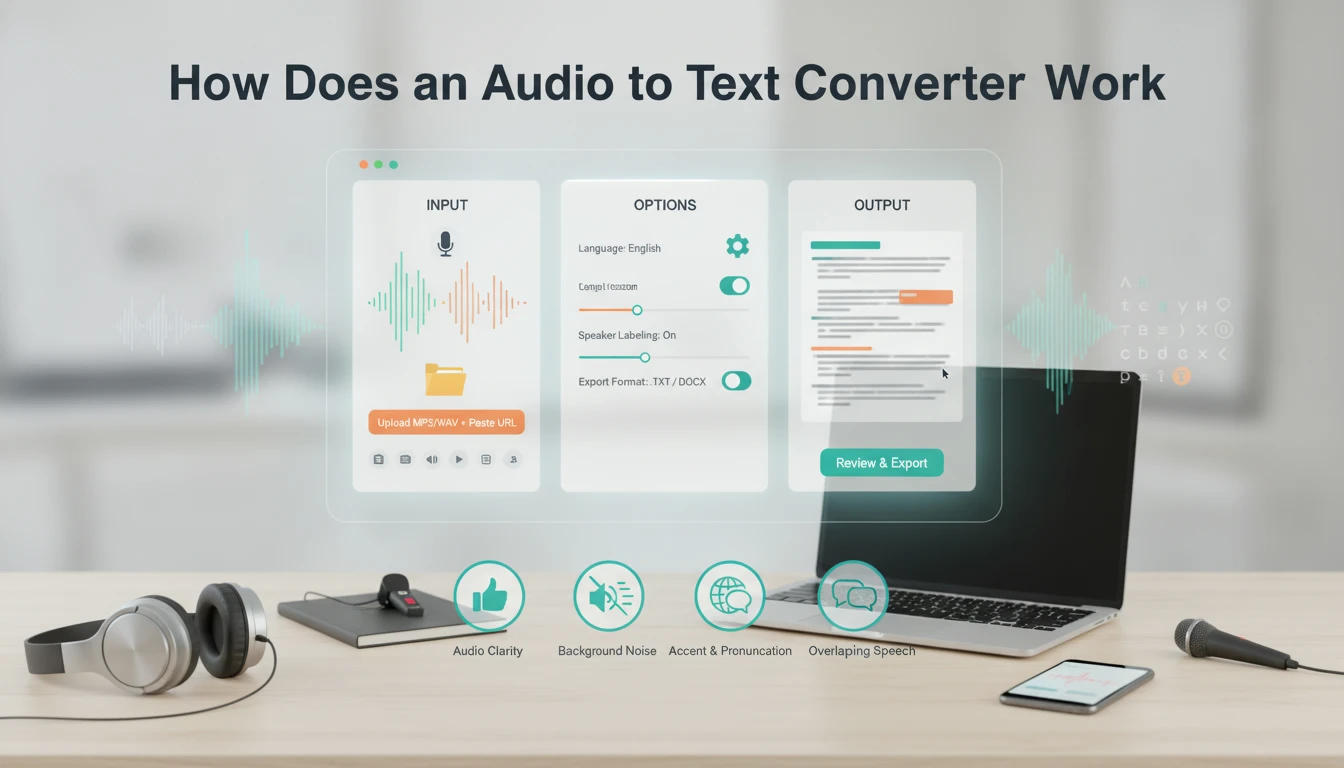
From a user perspective, the process is straightforward: upload a file or paste a link, wait for processing, and receive a written transcript. A few key factors determine how accurate the output will be.
Using any Audio to Text converter typically follows three steps. First, you provide the input — uploading an MP3, WAV, M4A, MP4, or another supported format, or pasting a URL. Second, you select options: language, speaker labeling preference, and export format. Third, you receive the transcript to review, edit, and export.
The quality depends mainly on four factors. Audio clarity is the biggest — a lapel microphone in a quiet room produces far more accurate results than a phone recording from the back of a lecture hall. Background noise — traffic, air conditioning, café chatter — confuses speech recognition and increases error rates. Accent and pronunciation variation matters, especially for tools trained primarily on North American English data. Overlapping speech remains a hard problem for every tool on this list.
Accuracy in our samples ranged from roughly 78% on noisy multi-speaker meetings to 95% on clean single-speaker audio with Rev AI's human review. Tools with speaker identification produced more readable output for group conversations. One finding worth noting: a claim of "90+ languages" does not mean equal performance across all of them. English and widely spoken European languages produce the best results, while less common languages and strong regional accents reduce accuracy on every Audio to Text converter we tested.
The right tool fits your actual workflow, not the longest feature list.
If you transcribe short clips occasionally — a 20-minute lecture once a week — the free tiers of Dechecker, TurboScribe, or Otter.ai will cover you. For multiple hours of weekly audio, TurboScribe's generous free tier or Dechecker's free model will stretch further. When you consistently need professional-grade accuracy, upgrading to Rev AI or a paid Descript plan makes sense.
For students and educators, Dechecker offers a combination that no other free audio to text converter on this list matches: broad language coverage, automatic AI summaries that distill long lectures into key takeaways, speaker identification for discussion-heavy seminars, and export to both document formats and subtitle formats in one workflow. It is not the most accurate in absolute terms — Rev AI holds that title — and not the fastest for bulk processing — TurboScribe wins there. But for the day-to-day rhythm of recording a lecture, getting a readable transcript with a summary, and turning it into study notes, the feature set lines up with how students and educators actually work, and it does so without charging anything.
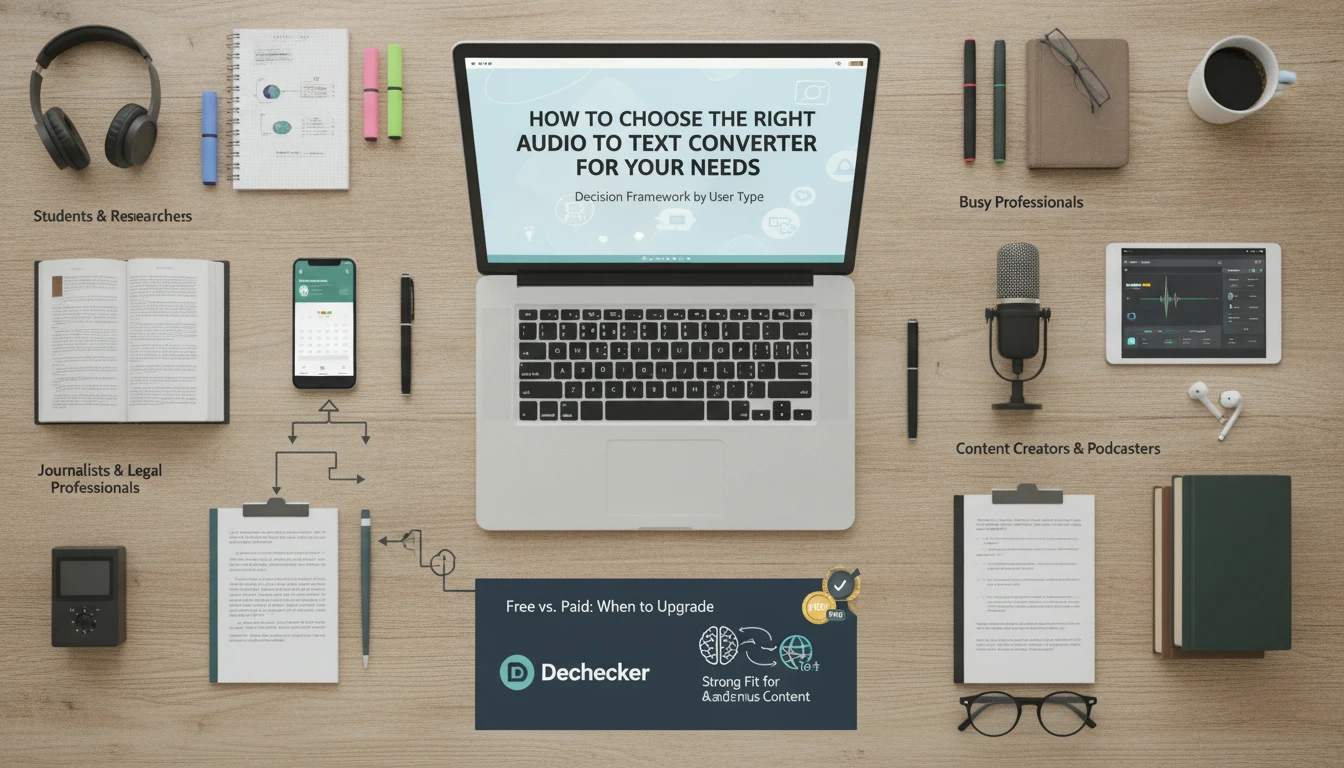
There is no single best — it depends on your needs. For students and academic use, Dechecker offers the best combination of language support, summaries, and free access. For meetings, Otter.ai leads. For raw accuracy, Rev AI with human review is unmatched. For bulk volume, TurboScribe gives you the most free hours per day.
Dechecker is the strongest option for students. It supports the widest language range (90+), handles lecture audio reasonably well, generates AI summaries for review, and exports to all the formats students commonly need. It is also completely free to use, which makes it practical for students working on tight budgets.
Yes, with limits. TurboScribe's free tier allows roughly 3 hours of daily transcription. Dechecker handled files up to 30 minutes in our tests without payment. Otter.ai caps at 300 minutes per month. If you regularly transcribe recordings longer than an hour, expect to hit a paywall eventually with most paid tools.
Accuracy varies significantly based on audio quality, number of speakers, and background noise. On clean single-speaker English recordings, top tools reach 92-95%. On noisy multi-speaker recordings with accents, accuracy drops to 78-85%. No converter consistently hits 99% on real-world audio regardless of marketing claims.
DOCX and PDF for documents and reports. SRT and VTT for video subtitles and captions. TXT for raw text. JSON for developer integrations. Dechecker covers all five formats, making it a versatile audio to text converter that works across document, video, and publishing use cases in one tool.